
01 / Find
Find your next roof.
Prioritize commercial roofs with property scores. Review weather events and roof permits before heading out.
- Browse the map and prioritize properties
- Check the signals behind a property score
Built for commercial roofing contractors
Prioritize roofs with property scores, weather events and roof permits. Explore owner portfolios and available contacts, then inspect and measure on site.
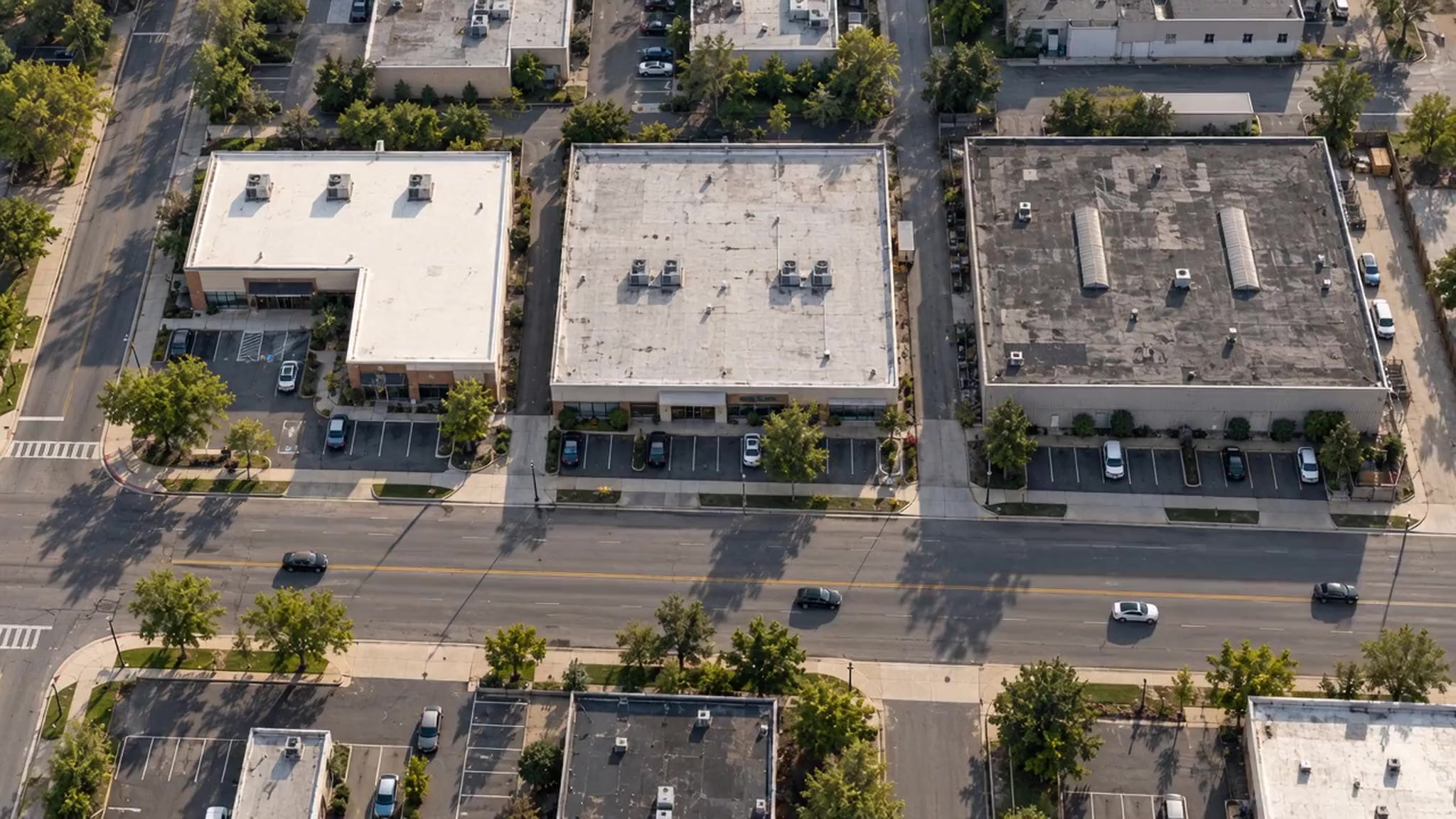
Illustrative city scan. Example lead scores: 22 out of 100, Skip; 67 out of 100, Monitor; 94 out of 100, Pursue.
Keep the property, observations and measurements connected. Three steps, one workflow.
Explore commercial roofs on the map. Use property scores to prioritize your next opportunity.
Free mapReview weather events, roof permits and available contacts. Explore other properties with the same owner.
Property intelligenceCapture roof photos and observations. Measure each section and prepare quantities for your estimate.
Free inspection & takeoff tools01 / Find
Prioritize commercial roofs with property scores. Review weather events and roof permits before heading out.
02 / Understand
Explore building records, available contacts and other properties with the same owner. Get the detail you need in a Property Snapshot.
03 / Inspect & measure Free
Capture what you find while you are on site. Photos and voice notes stay connected to the right roof section.
Use it on the web today. iOS and Android apps coming soon.
Roof penetration
Photo and observation, attached to a roof section.
Sample photo · from a different job
03 / Inspect & measure Free
Check measurements on site and organize the quantities you need for your estimate, section by section.
Use it on the web today. iOS and Android apps coming soon.
Demo measurements · not field-verified
01 / Find
Prioritize commercial roofs with property scores. Review weather events and roof permits before heading out.
Actual CapXOS map · 2335 NE Miami Ct
A free place to start
Use the tools for free. Buy a Property Snapshot when you need more information about a building.
A Full Snapshot is optional. Inspect and Takeoff are free on their own.
No sign-up required to explore.
A Snapshot is a report on one property. Contacts includes property details, available contact information and outreach guidance. The quantities below use Contacts as an example.
View a sample Contacts reportLoading current prices…
Contacts is one example. Use the same credits for Brief, Full or a mix of report types.
A Snapshot is a report on one property. Each level includes the one before it.
Get to know the property.
Property details, available records and their sources.
Find who to reach out to.
Everything in Brief, plus available contact details and outreach guidance.
Understand the roof.
Everything in Contacts, plus roof analysis, marked imagery and measurements.
Quantities show alternative uses of one balance, rounded down to whole Snapshots. Any remaining credits can go toward another Snapshot and keep their original expiry date.
Upgrade later: your existing Snapshot purchase counts toward the next level for the same property. Available data varies by property and source.
Start with the map.
Choose more when you need it.
No. Browsing the map, Inspect and Takeoff are currently free. Buy a one-time credit pack whenever you need a Property Snapshot, or choose a monthly plan for regular work.
No. The inspection and measurement tools are free. A Full Snapshot adds remote roof analysis and measurements for a specific property.
One-time credits never expire. Subscription credits expire at the end of the paid billing period and do not roll over. Monthly plans renew automatically.
Yes. Your existing purchase counts toward an upgrade for the same property. Review the additional credits before you confirm in the app.
Available data varies by property and source. Review the available information and purchase terms in the app before choosing a Snapshot.
Take a look around your market. Start with a familiar address.
Explore the MapSee how CapXos fits your workflow. Ask a question or request a walkthrough with our team.